
How to use presets
Creating a preset
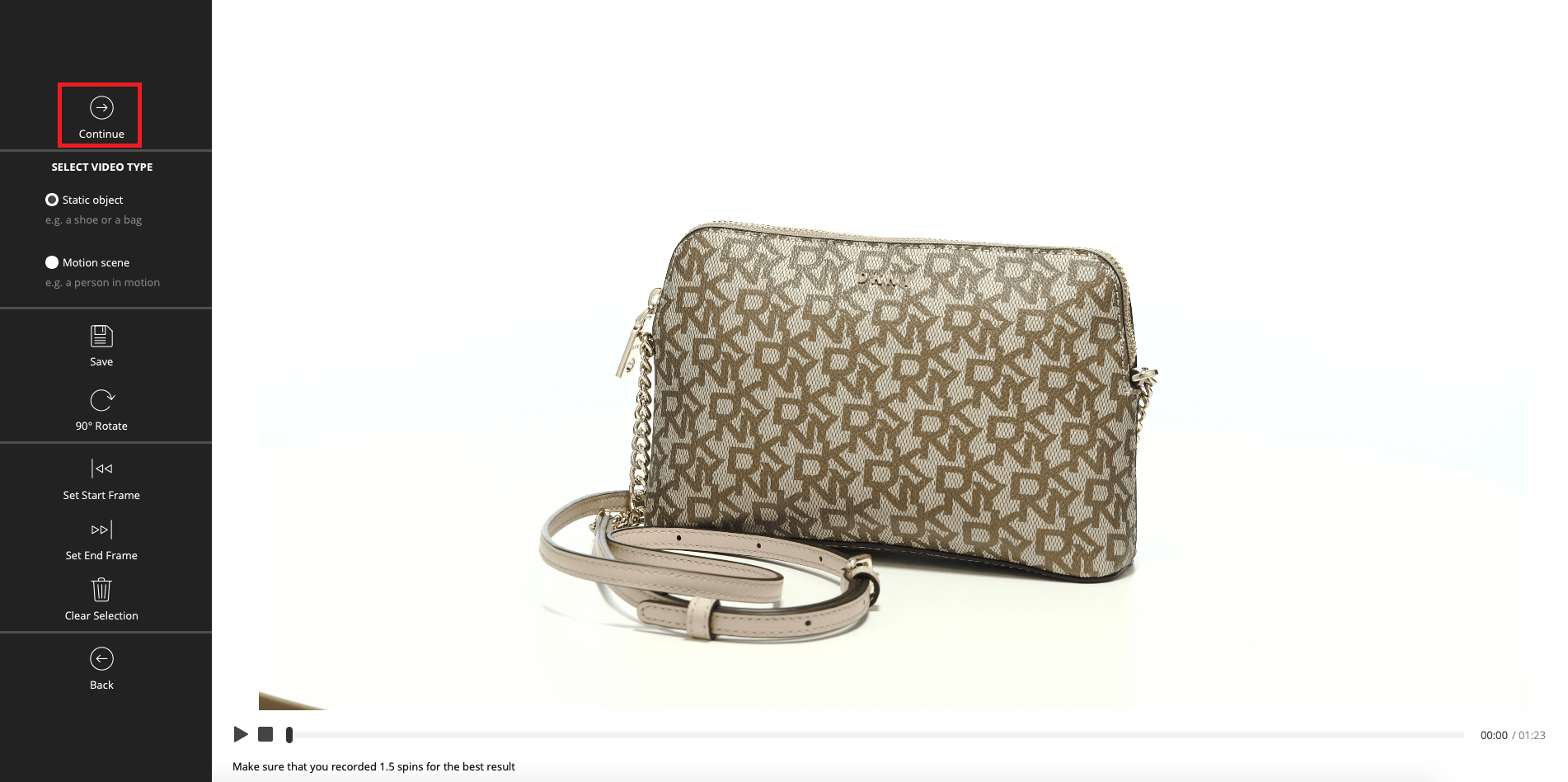
Step 1:
Convert your video into a 3D View.
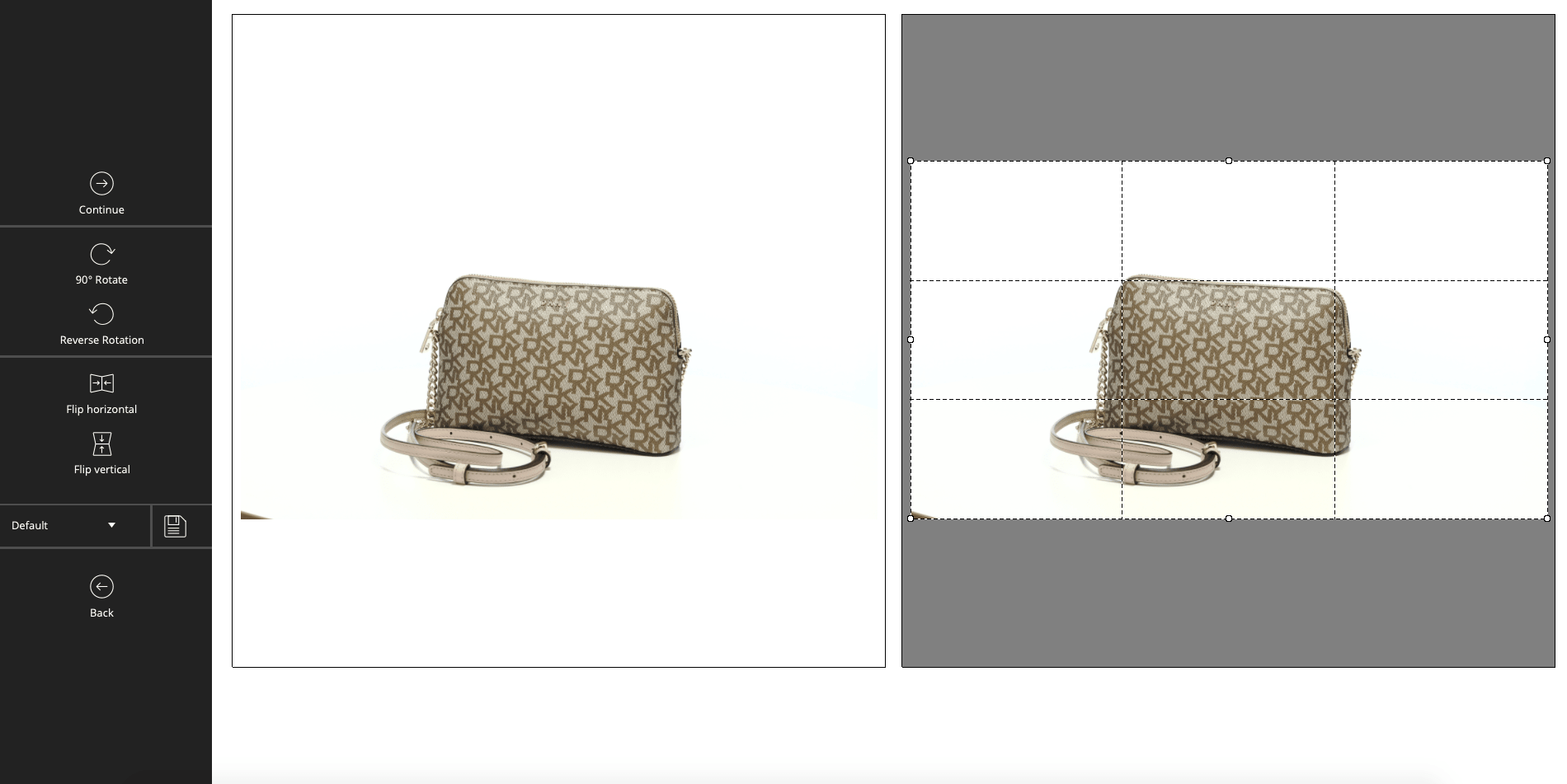
Step 2:
Apply crop and filters.
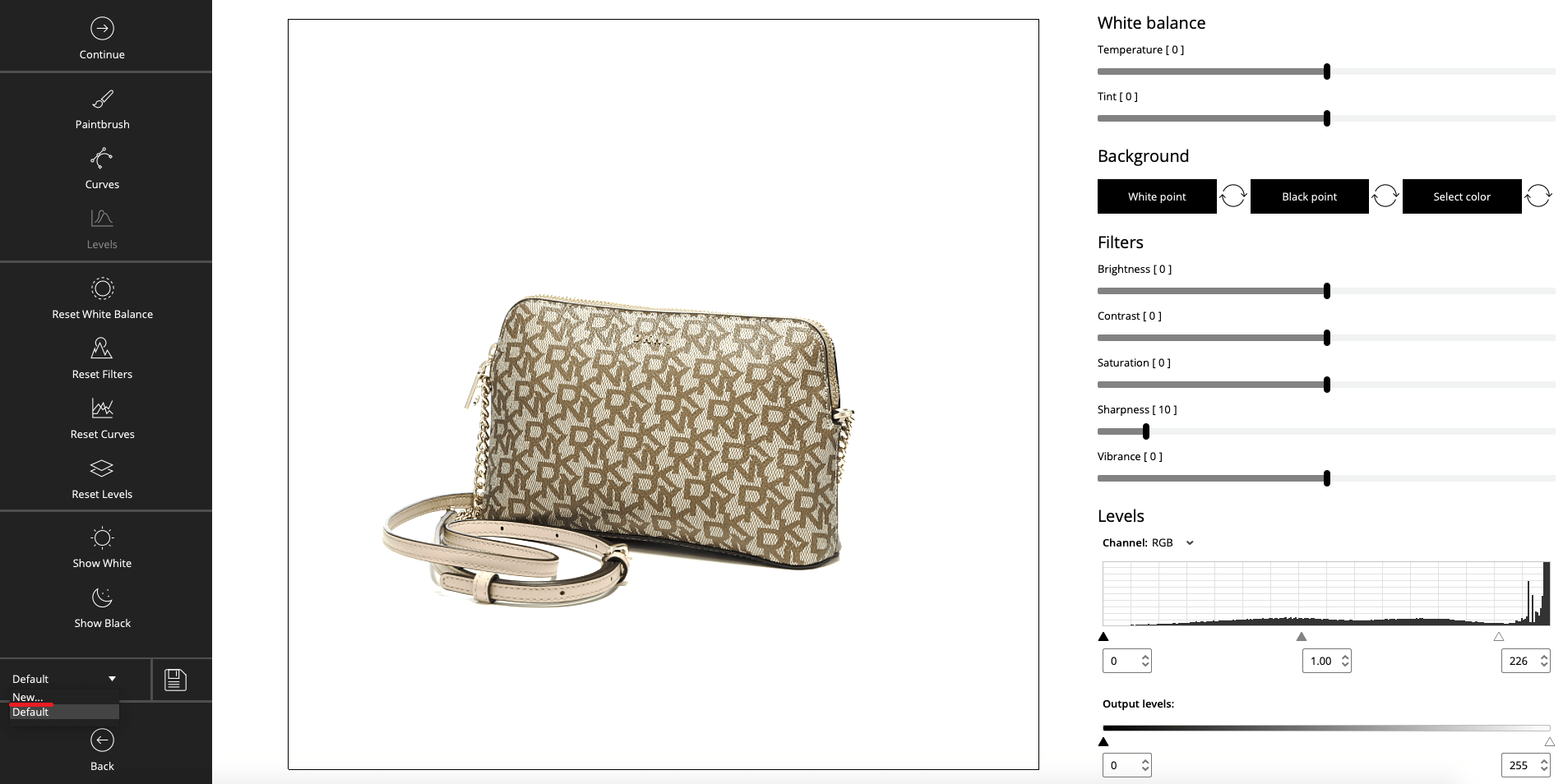
Step 3:
Select “New” from the list of presets.
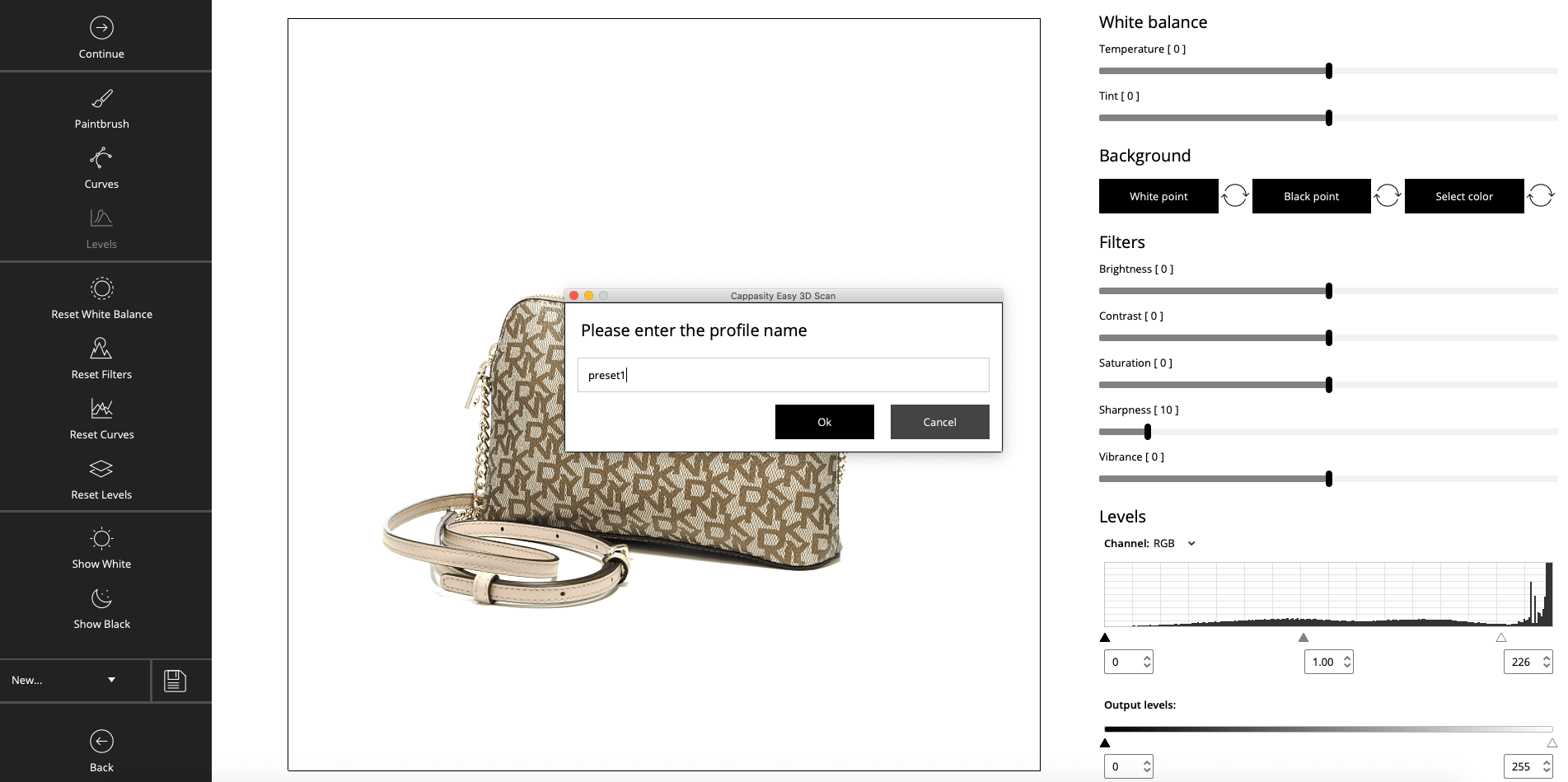
Step 4:
Name the preset.
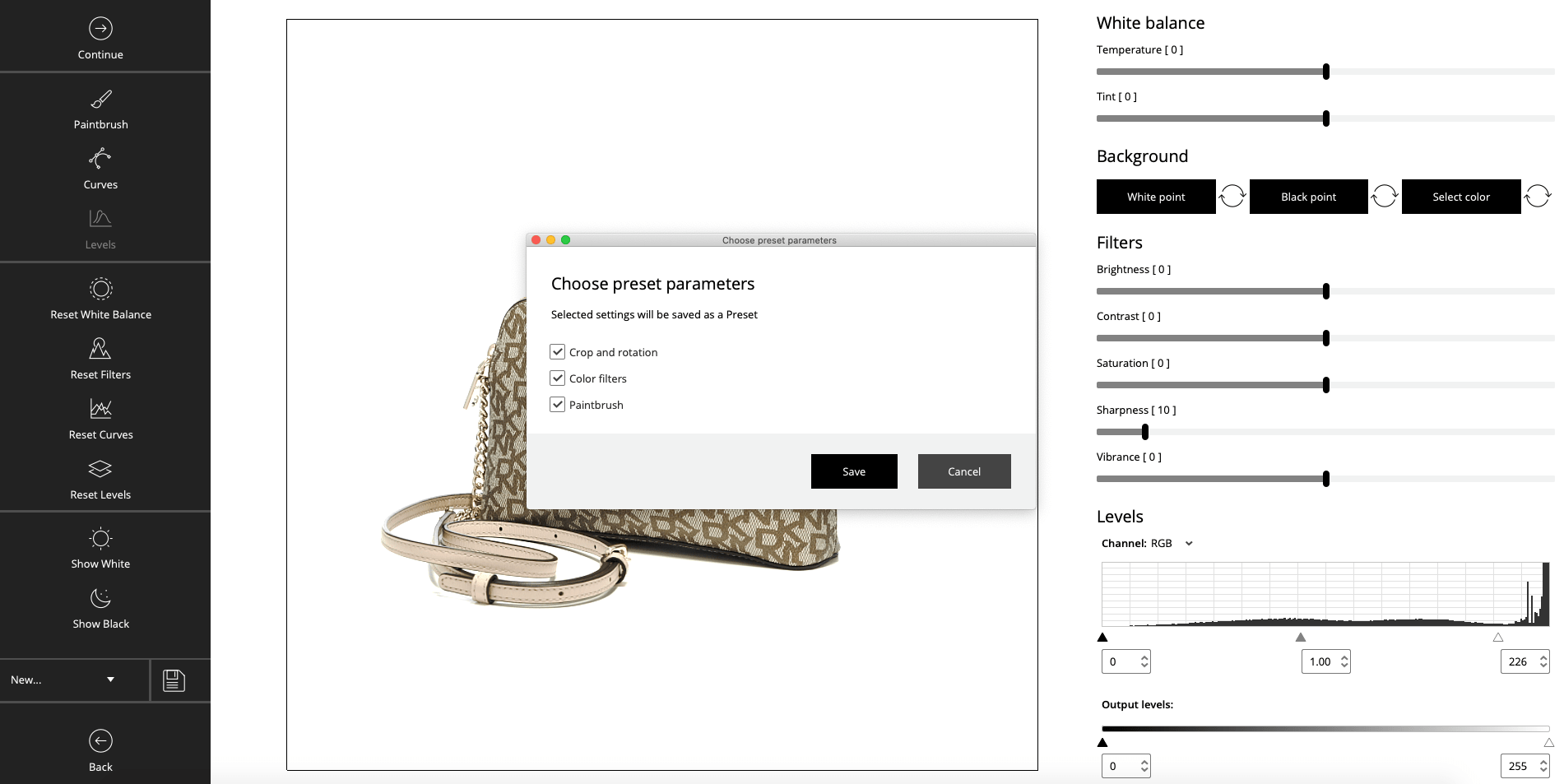
Step 5:
Set the preset parameters.
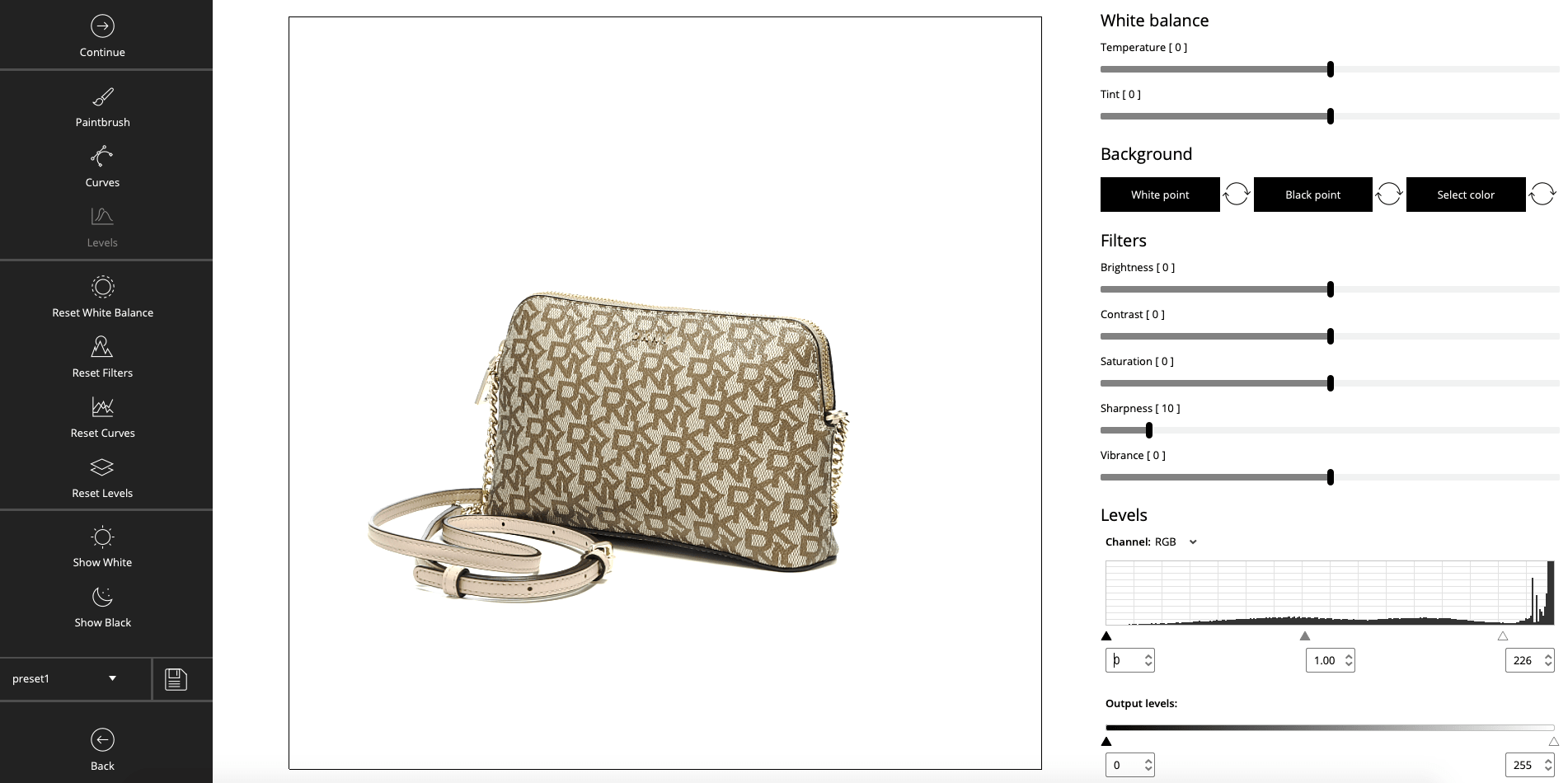
Step 6:
Congratulations! The preset has been saved.
Applying a preset
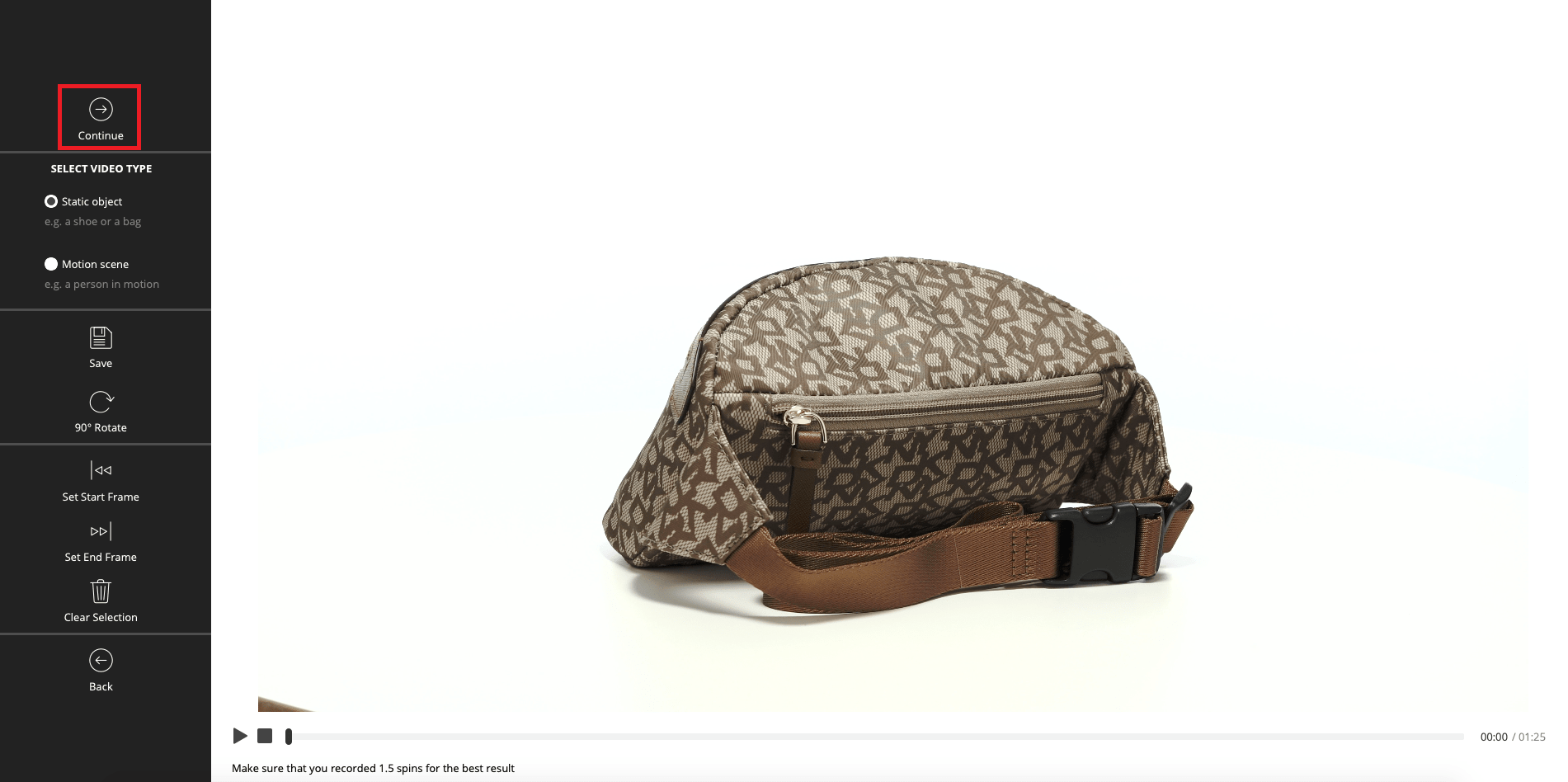
Step 1:
Convert your video into a 3D View.
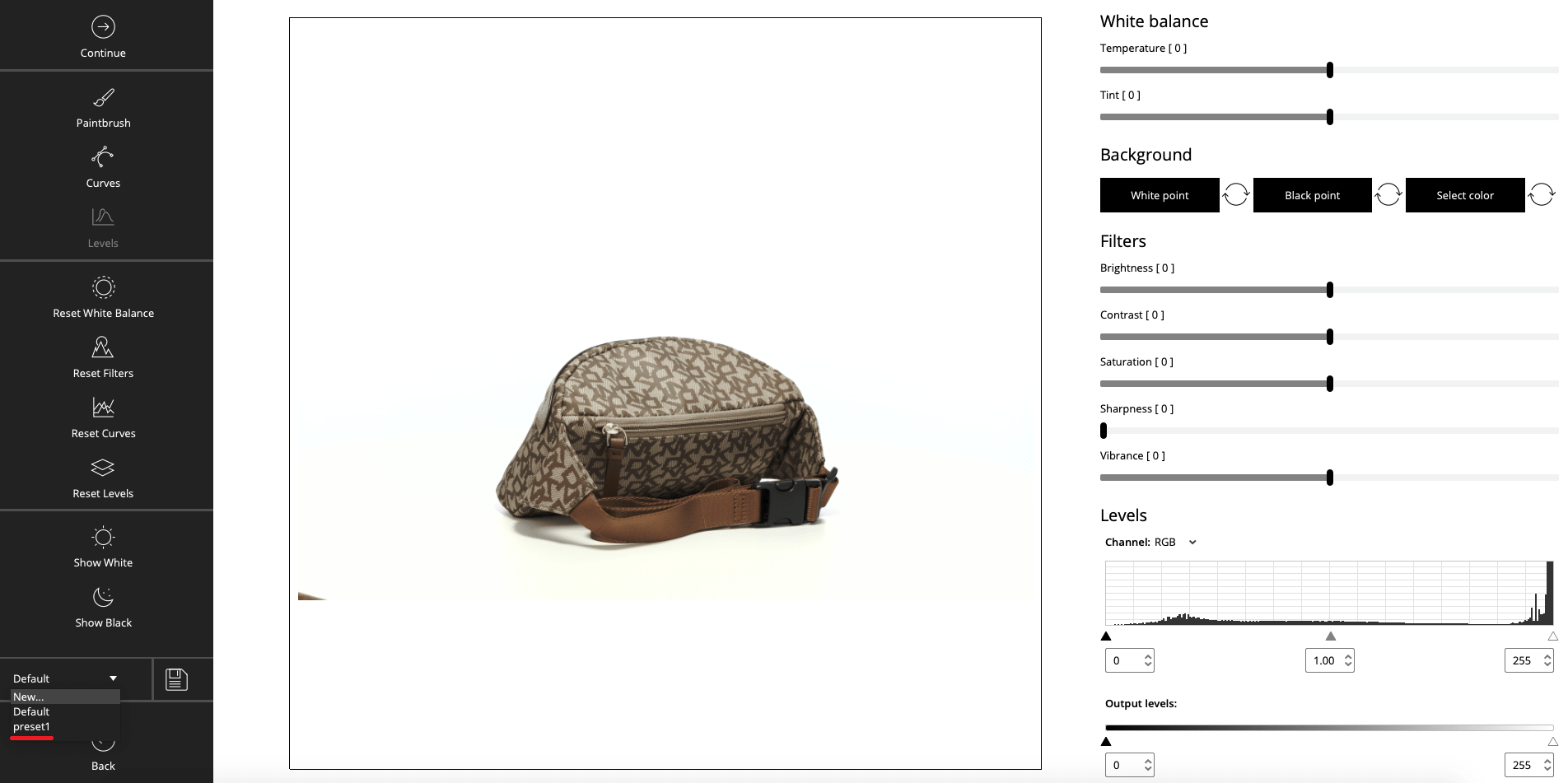
Step 2:
Select an existing preset from the list.
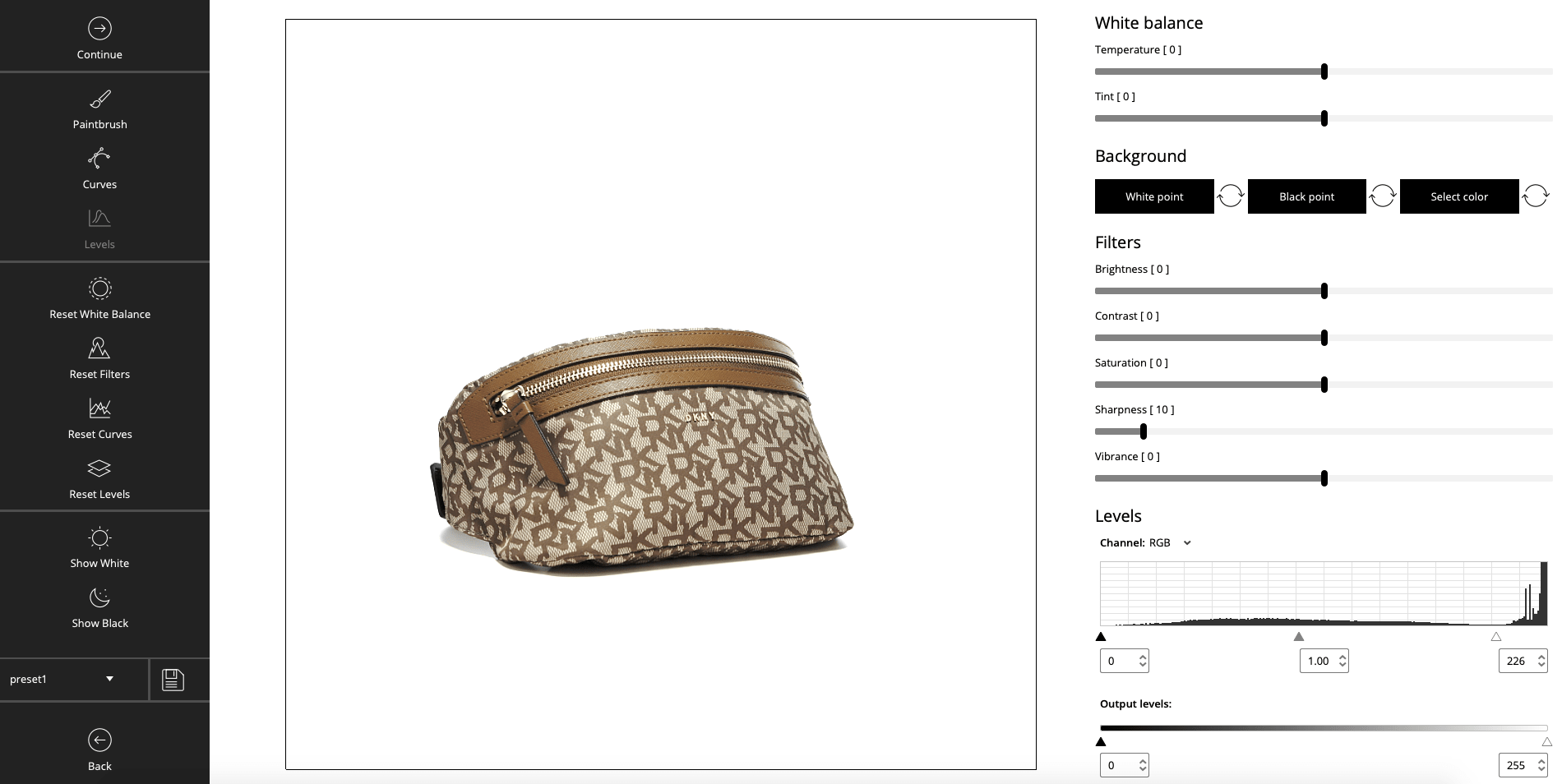
Step 3:
Congratulations! The preset has been applied.
Changing the preset settings
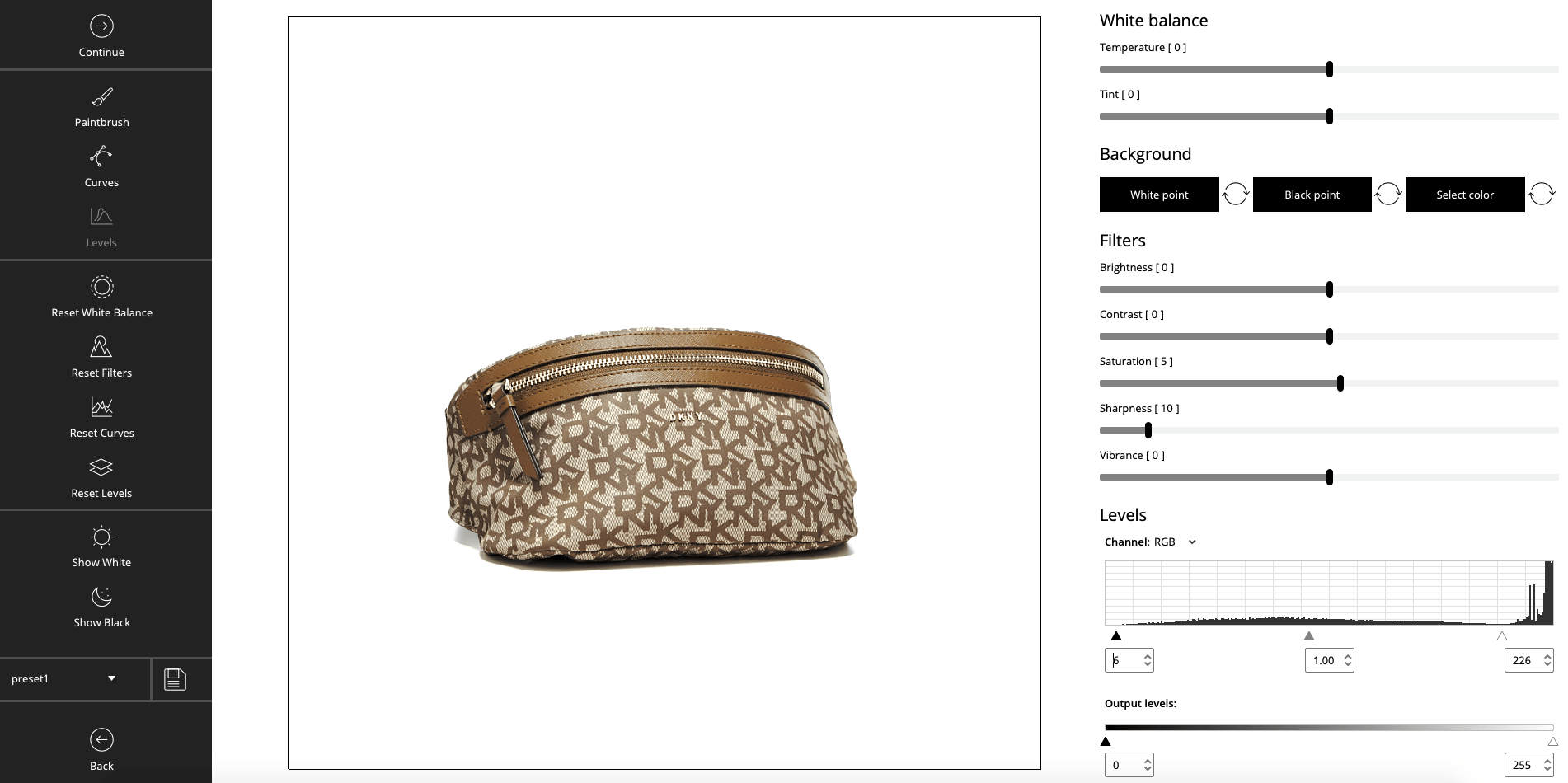
Step 1:
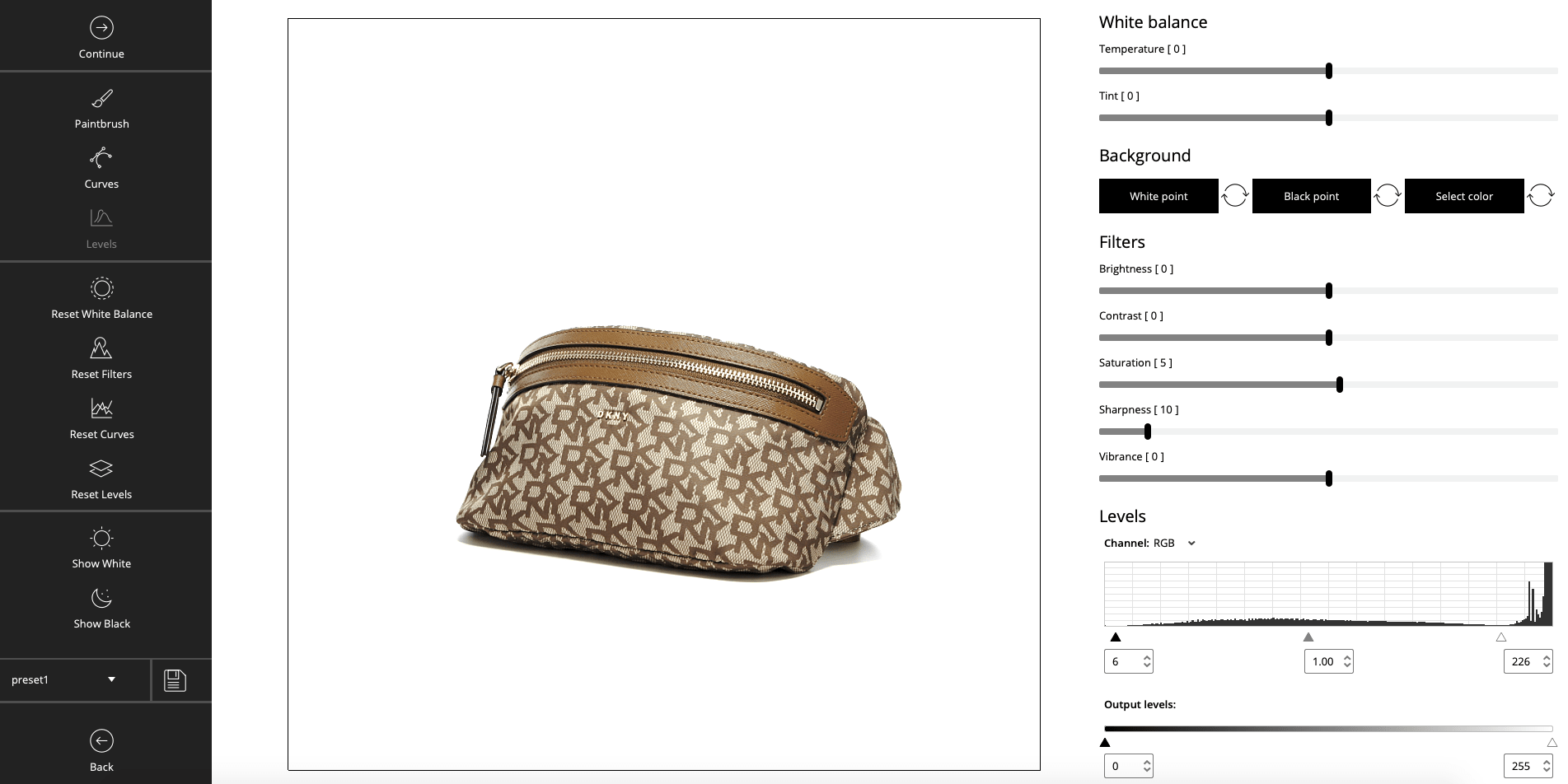
Modify the crop and filters.
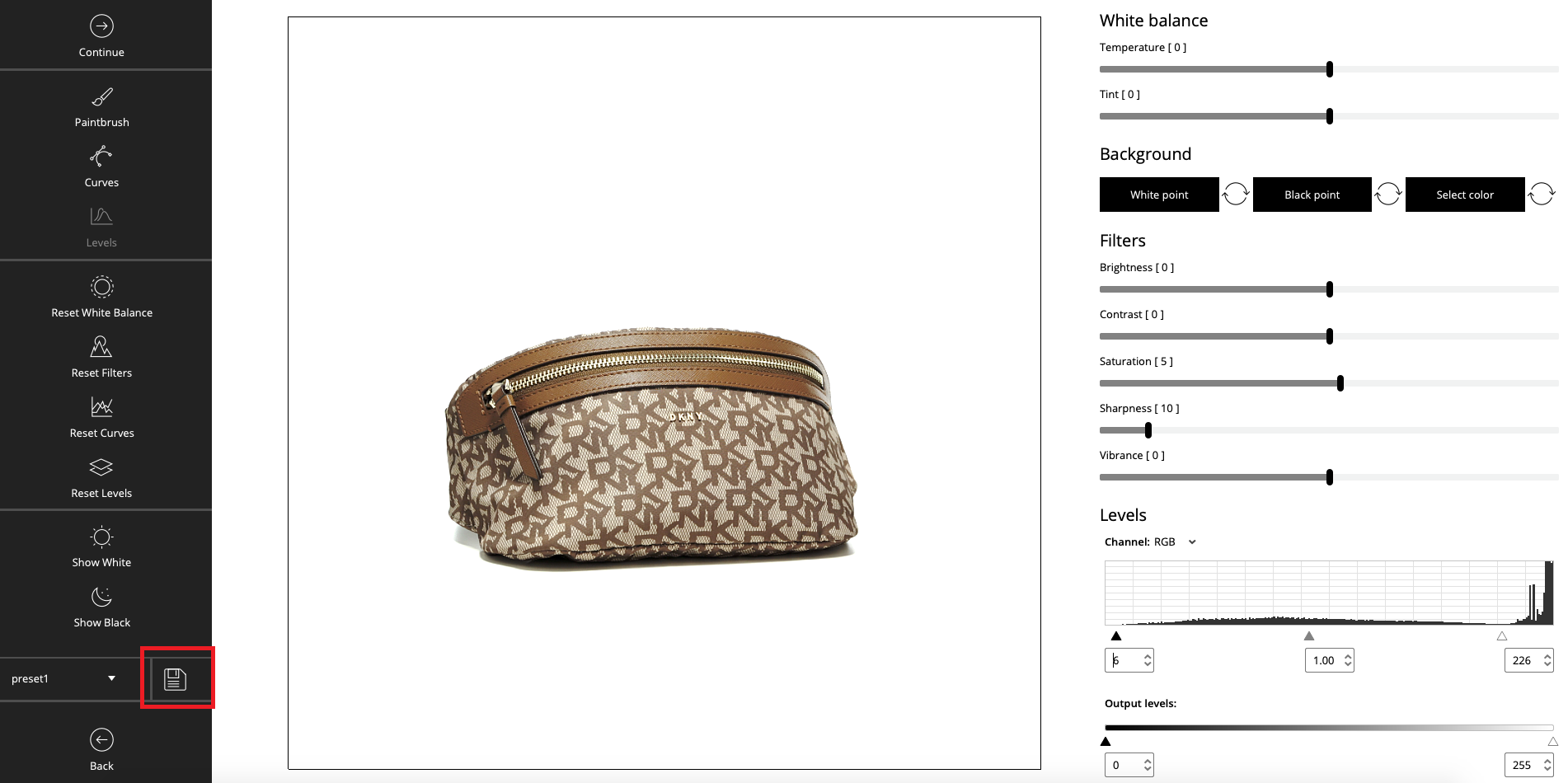
Step 2:
Click “save”.
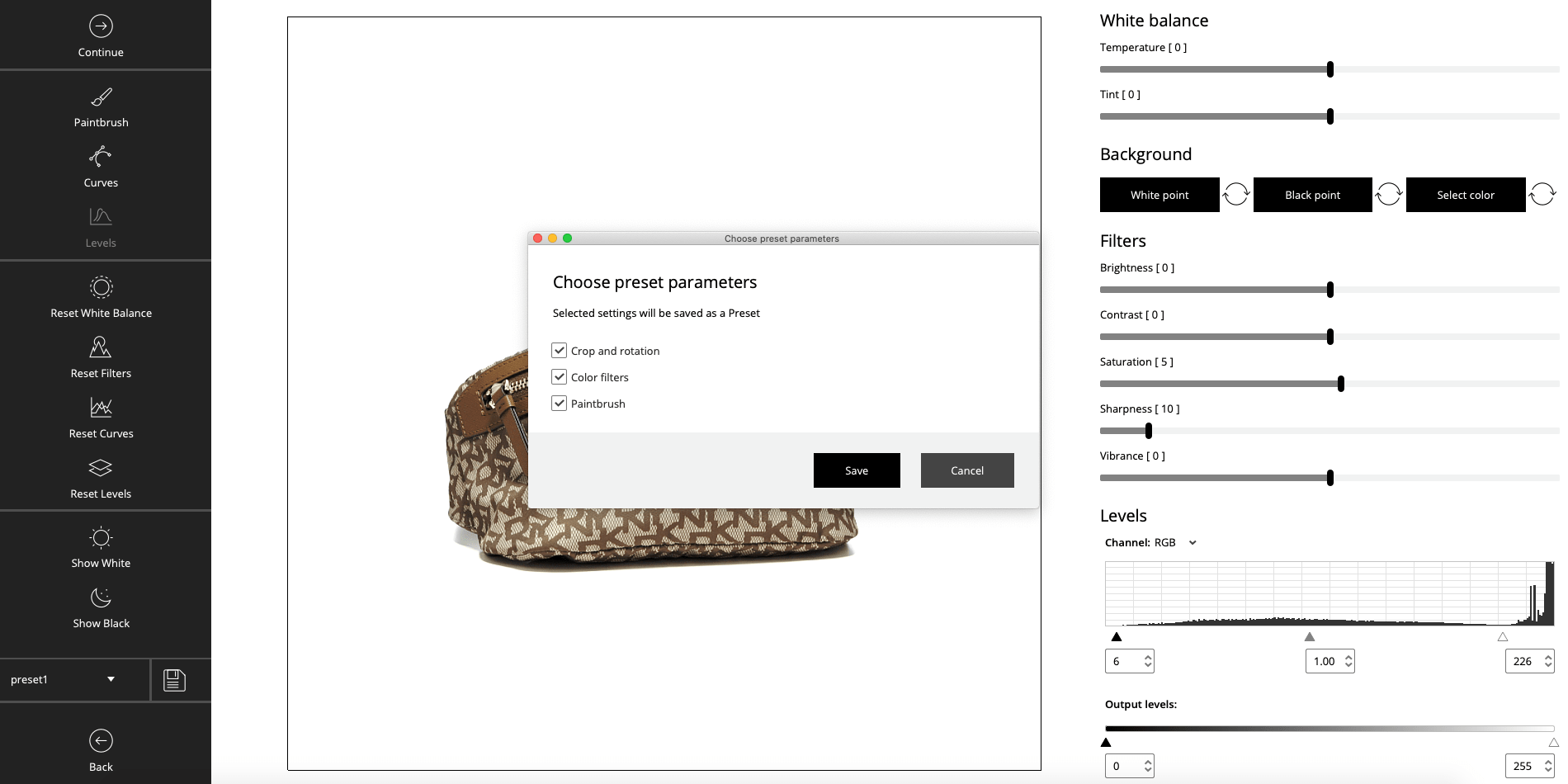
Step 3:
Choose the parameters you want to save.
Step 4:
Congratulations! The preset parameters have been changed.