How to create a 3D View from images
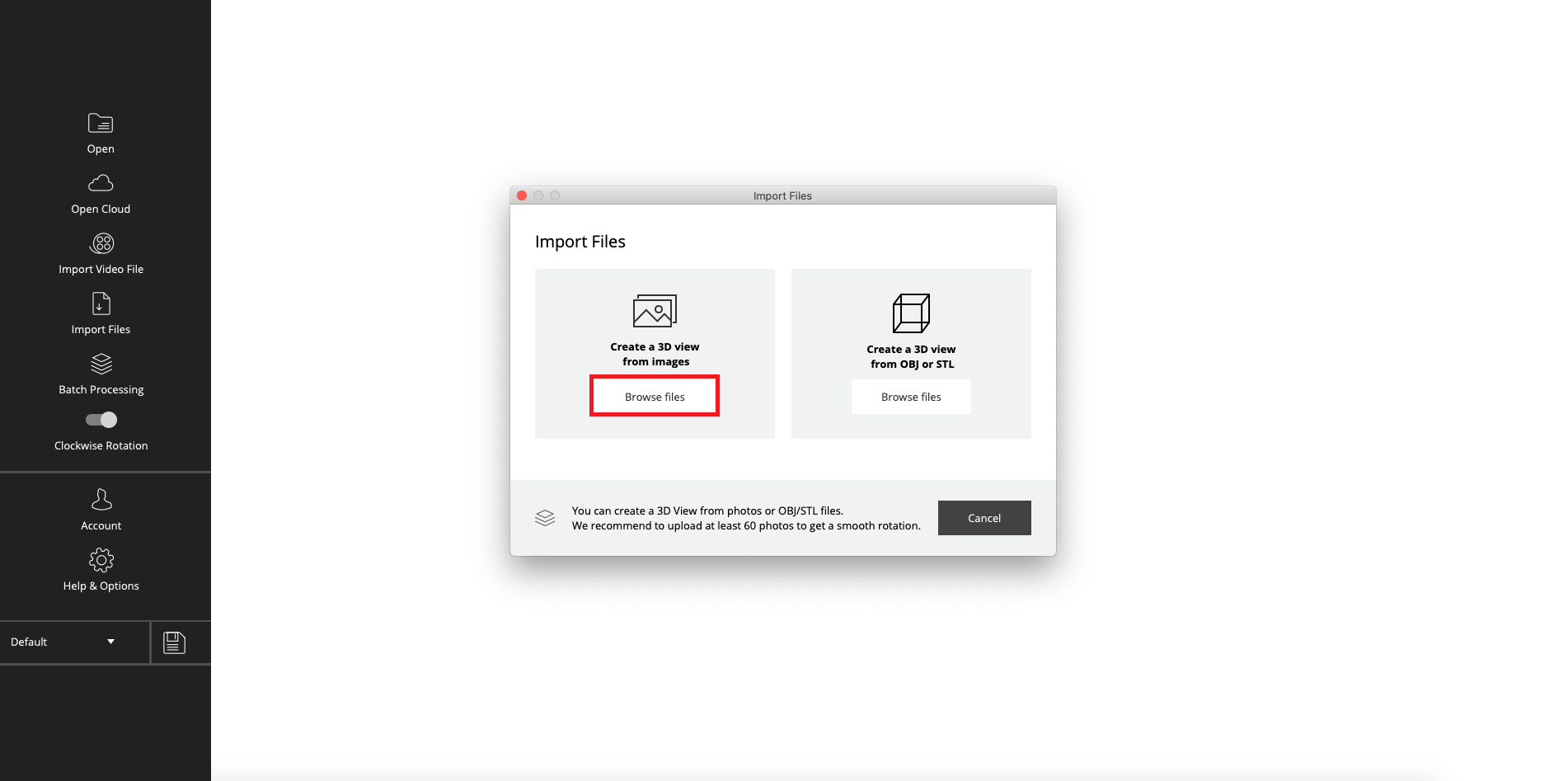
Step 1:
Choose “Create a 3D View from images”.
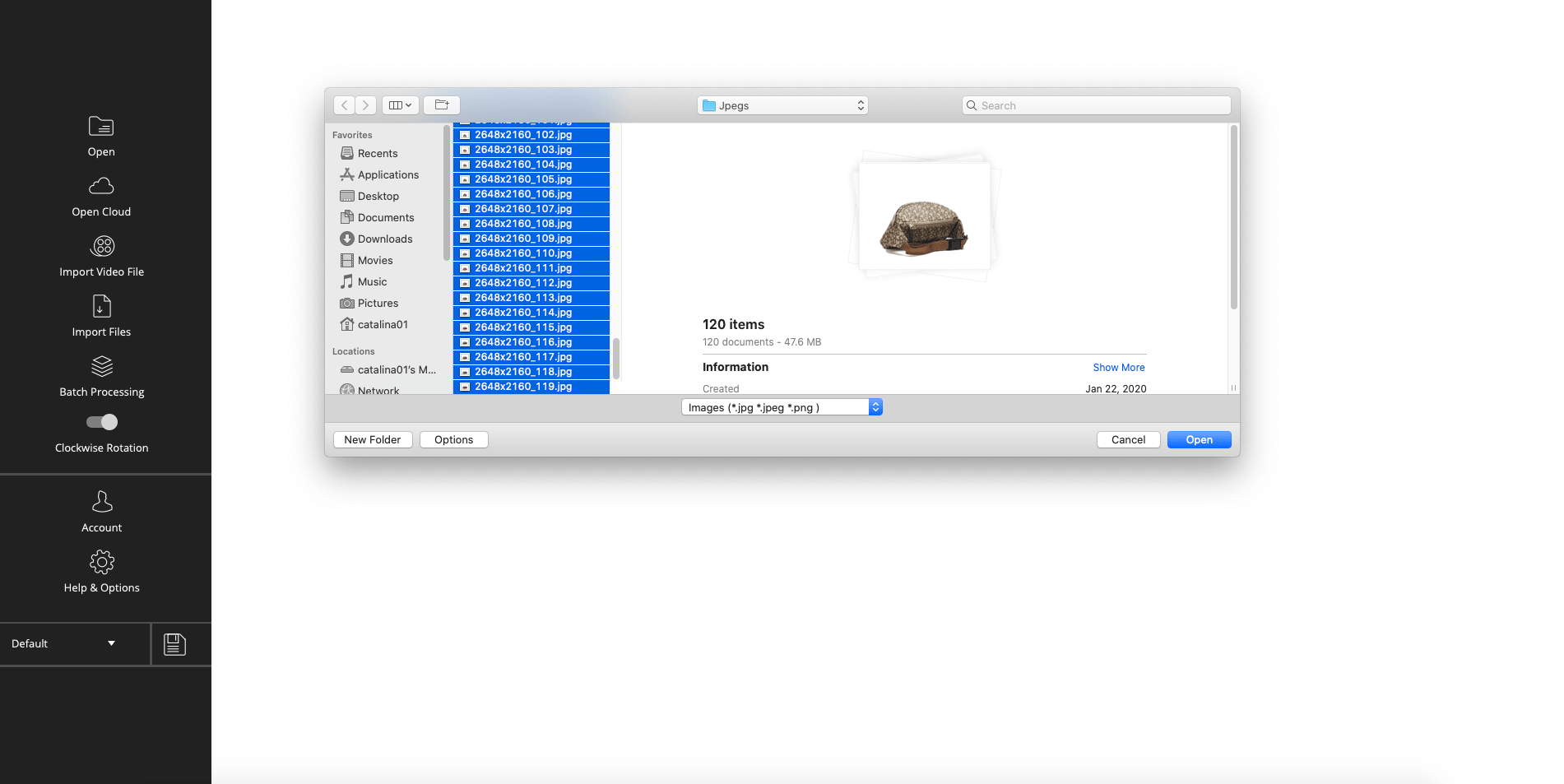
Step 2:
Select and import the images.
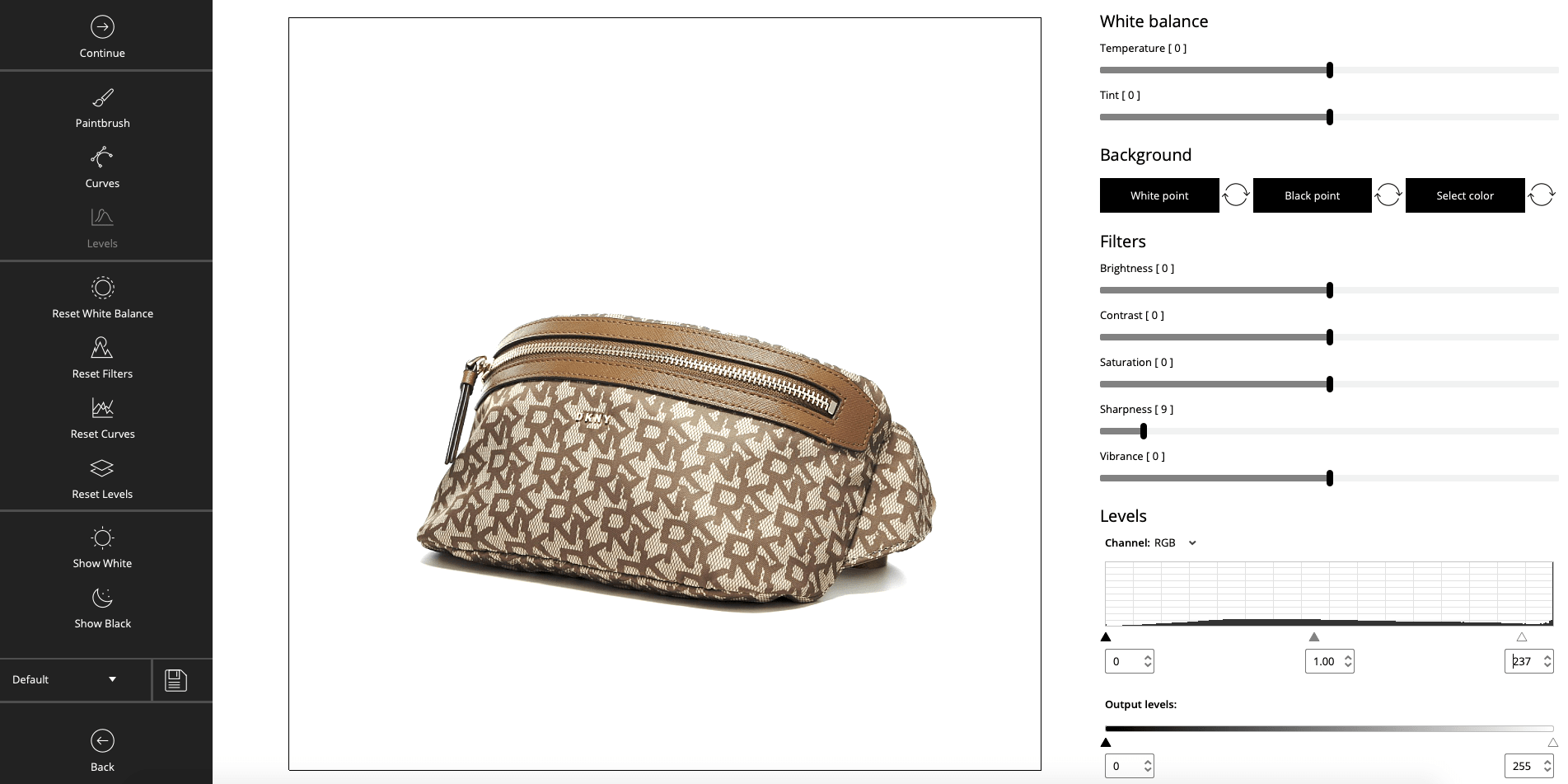
Step 3:
Apply crop and filters if necessary.
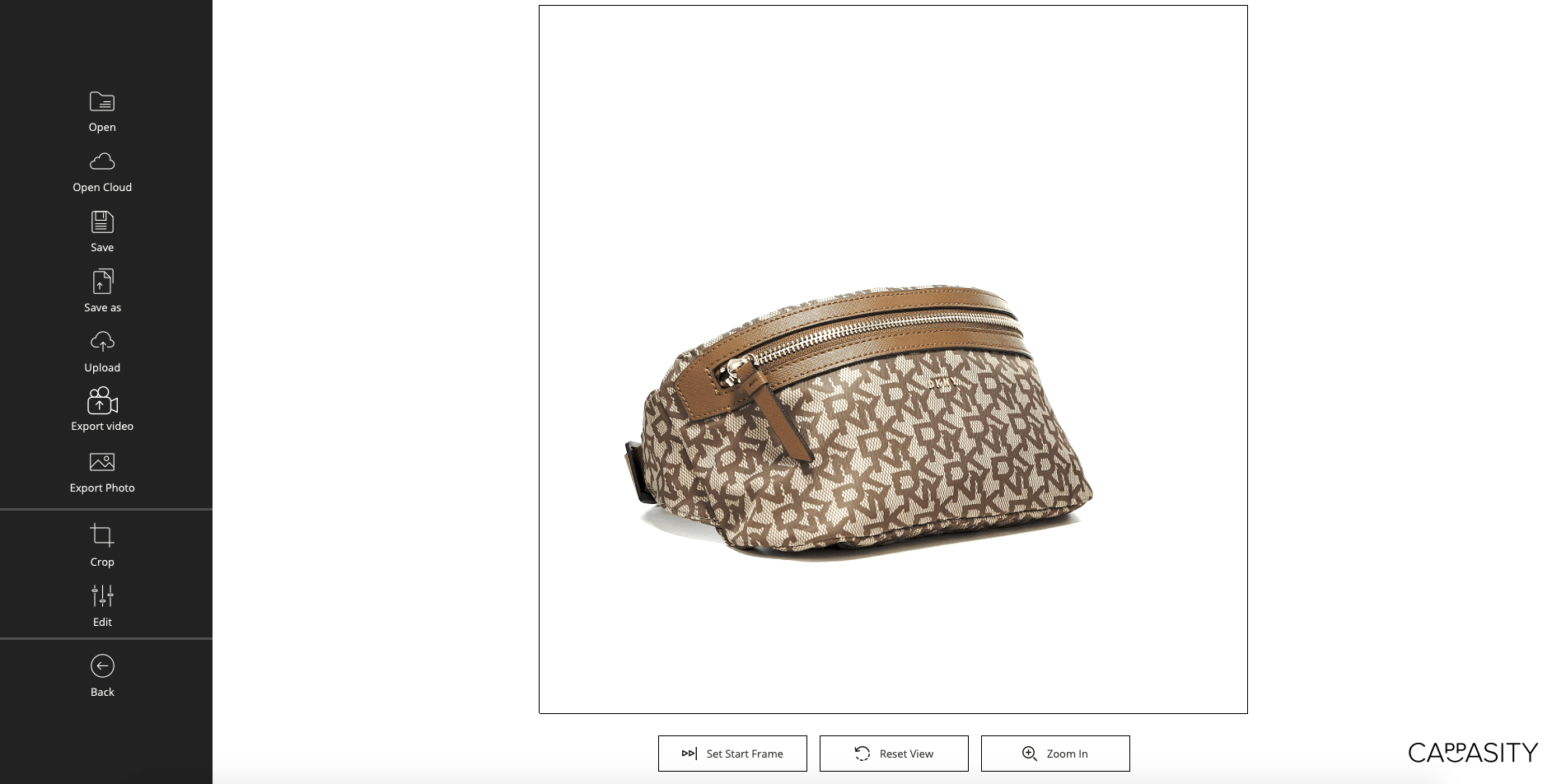
Step 4:
Congratulations! The 3D View is ready for uploading and embedding.

Step 1:
Choose “Create a 3D View from images”.
Step 2:
Select and import the images.
Step 3:
Apply crop and filters if necessary.
Step 4:
Congratulations! The 3D View is ready for uploading and embedding.
At Cappasity, we’re on a mission to make 3D, AR & VR experiences accessible for everyone, everywhere. There’s a lot going on and we’re constantly breaking new ground.
Sign up to our mailing list and be the first to get the latest news and updates in this exciting space.